Gallery of file-based apps*
A gallery of file-based apps built with TagSpaces — showcasing real workflows for photo management, note-taking, Kanban boards, bookmarks, and more, all working offline.
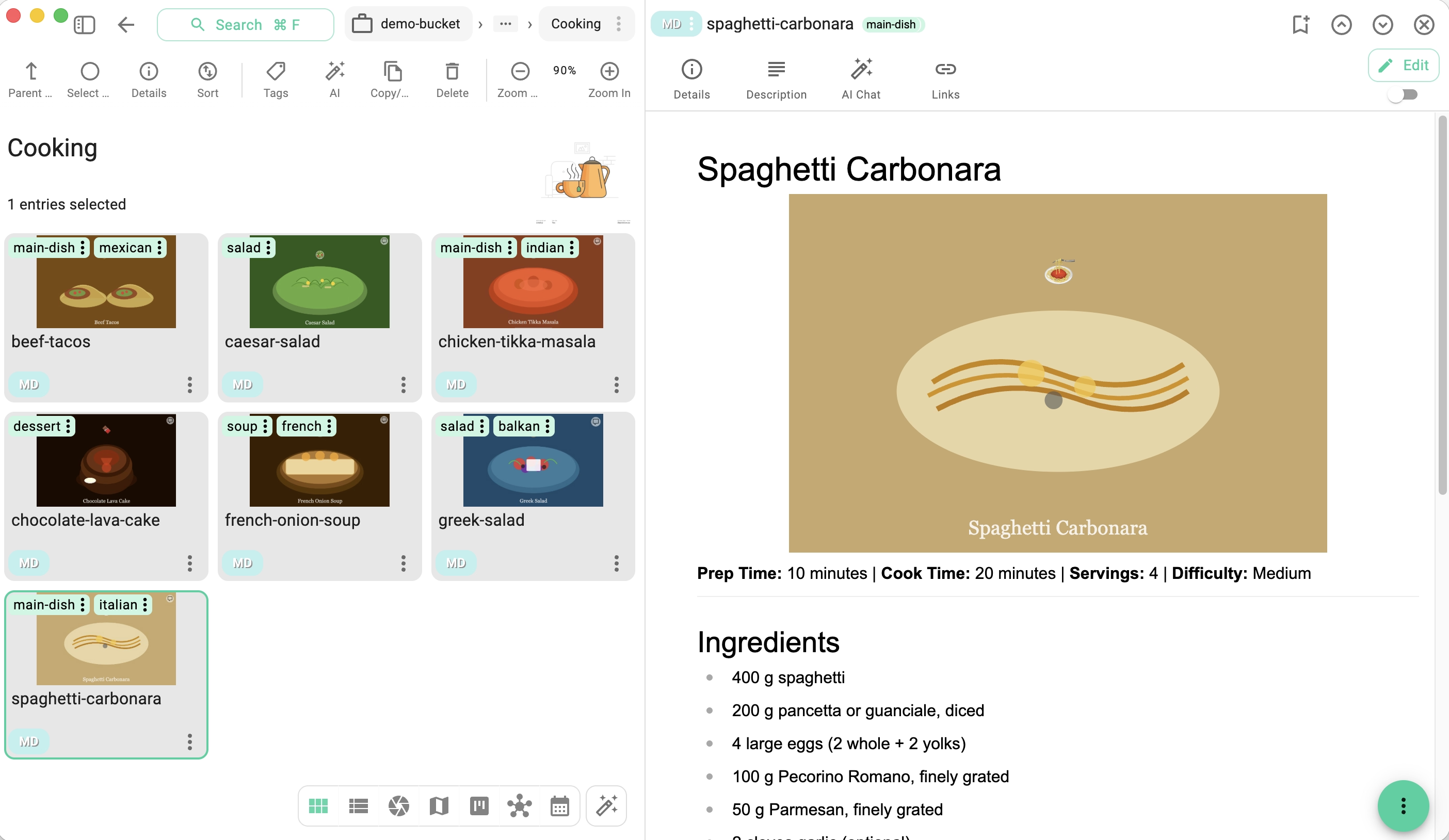
Recipe Collection
Store recipes as Markdown files with ingredients, steps, and photos. Tag by cuisine, difficulty, or diet and quickly search your entire cookbook.
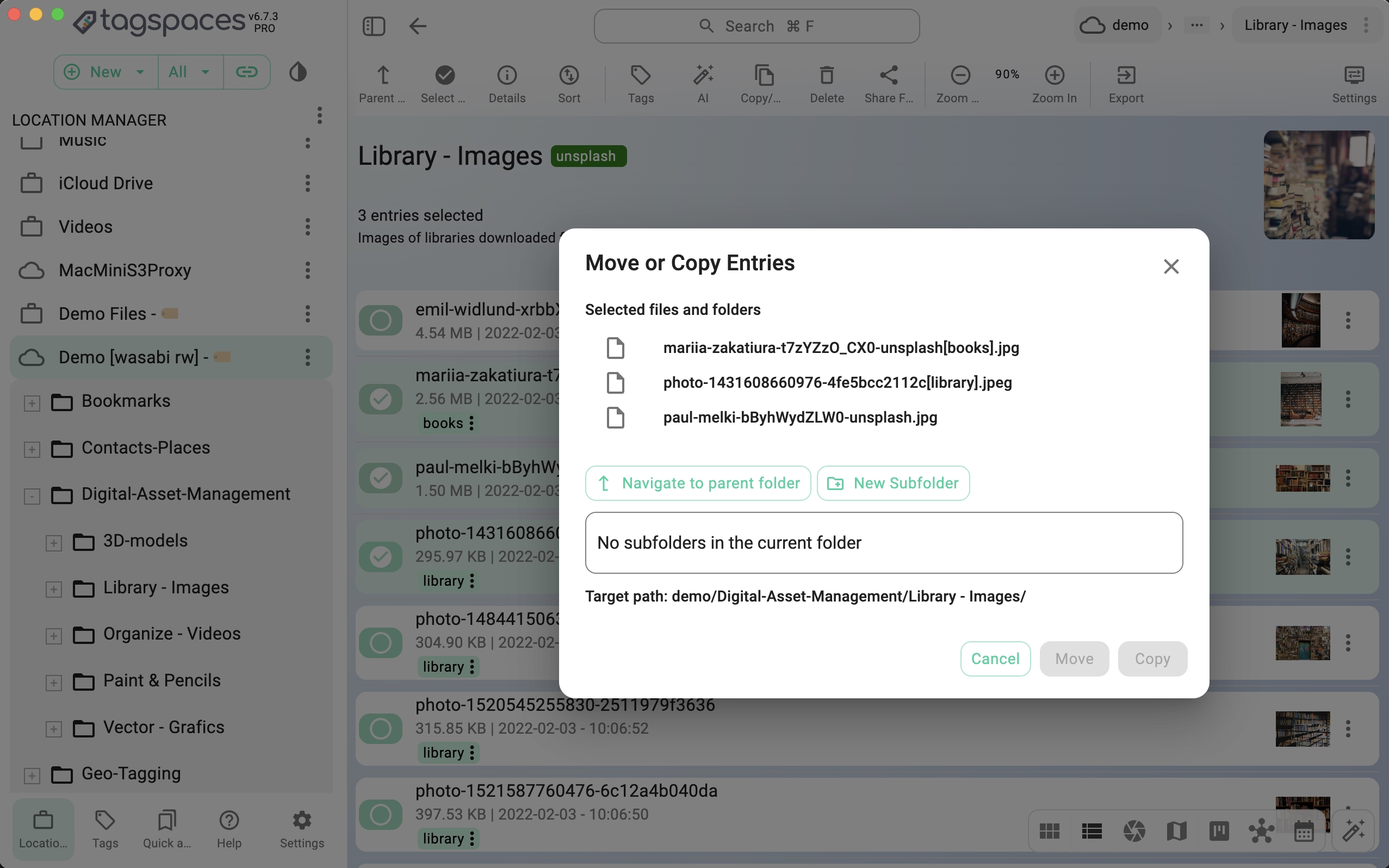
File Manager
Browse, move, copy, and organize files across local drives and S3-compatible object storage — all from a single interface with tagging, search, and rich previews.
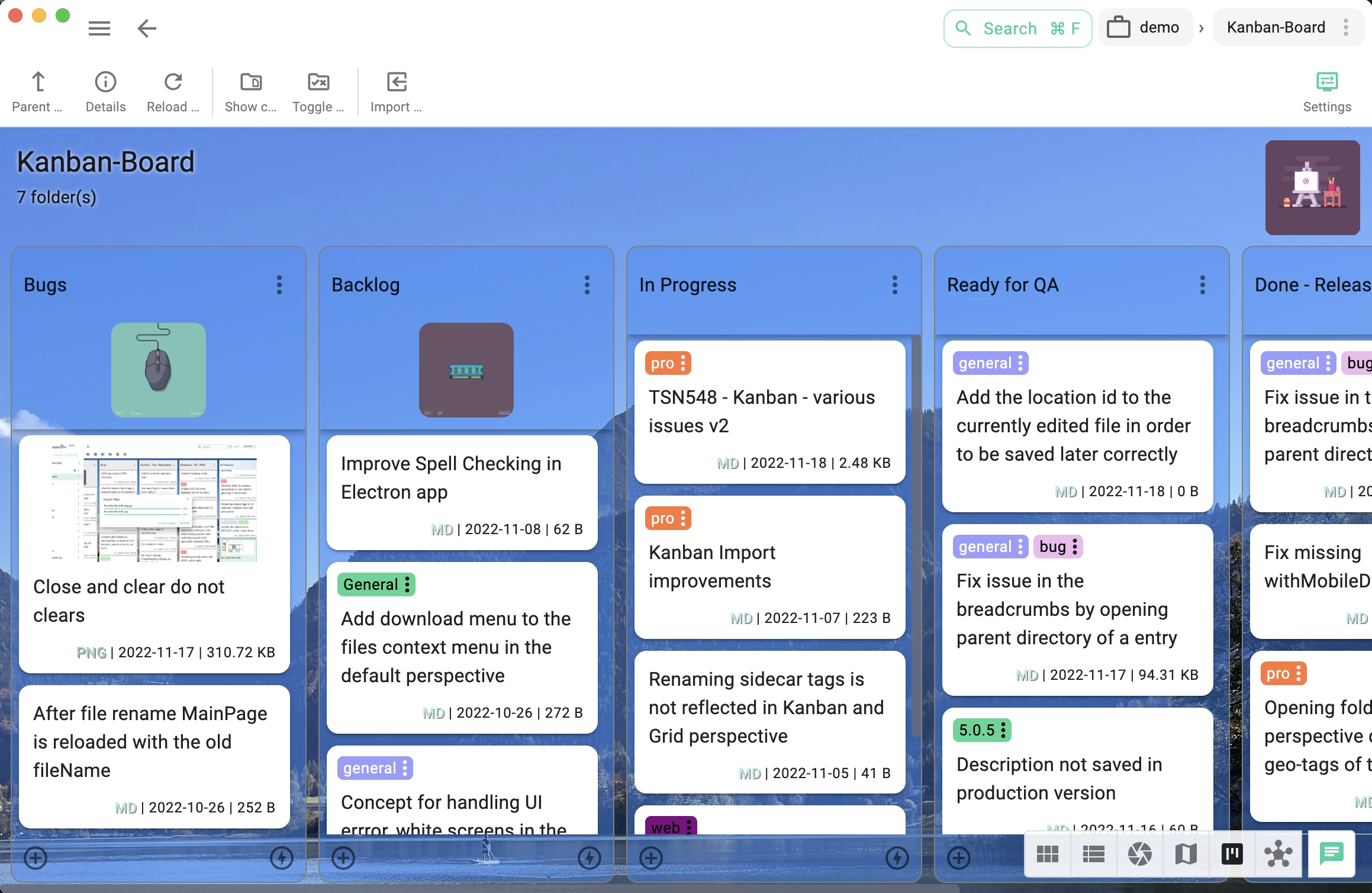
Software Project Management
Track sprints, bugs, and features on Kanban boards stored right next to your code. Import existing boards from Trello and keep project state in version-controlled files.
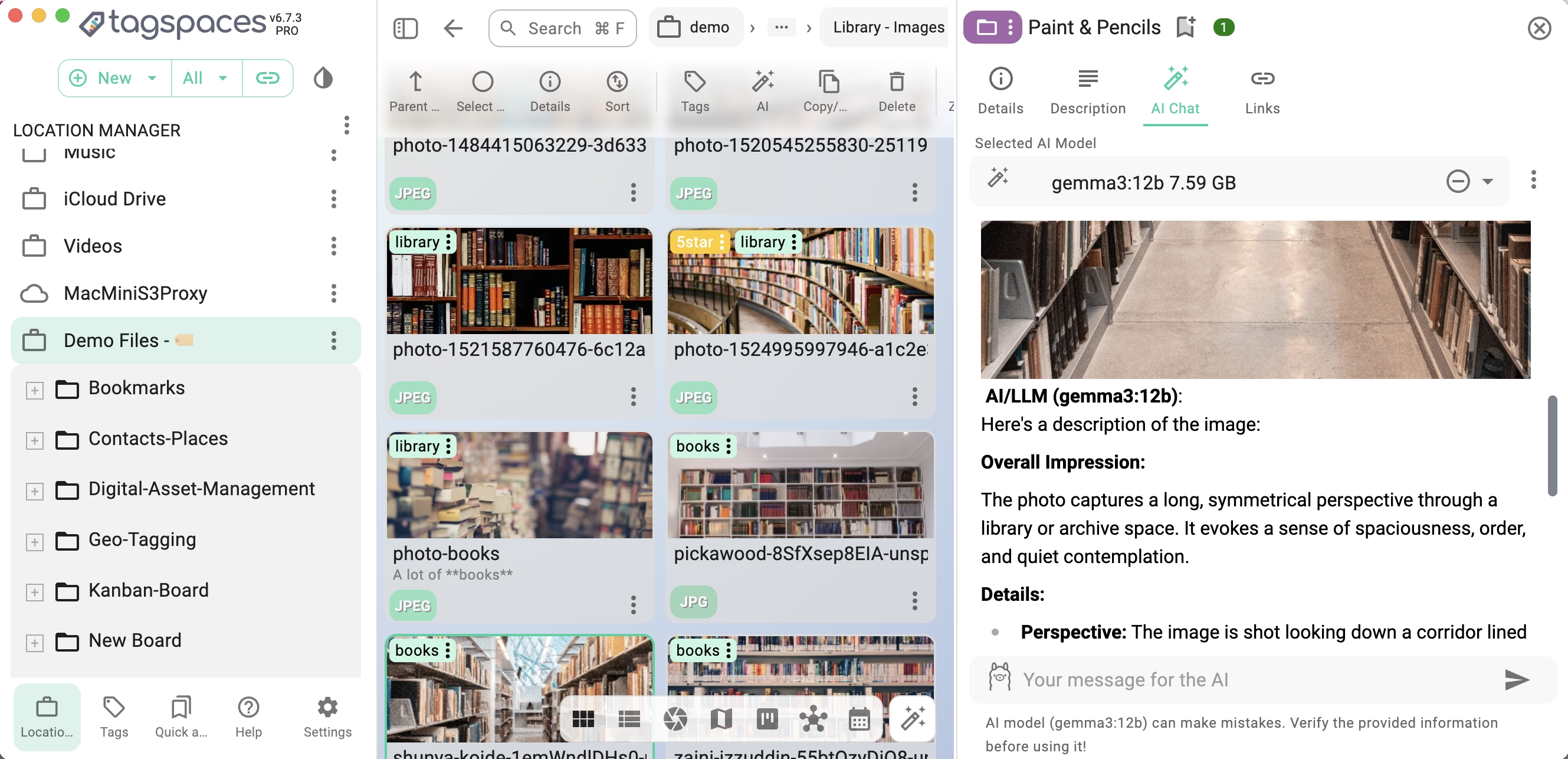
Private AI Chat Assistant
Run local AI models via Ollama and keep a private chat history in every folder. Ask questions about your files, describe images, or brainstorm ideas — all offline, with zero data leaving your machine.
Digital Note-Taking
Capture ideas, meeting notes, and to-do lists in Markdown or rich-text files. Organize them with tags and folders, link notes together, and find anything instantly with full-text search.

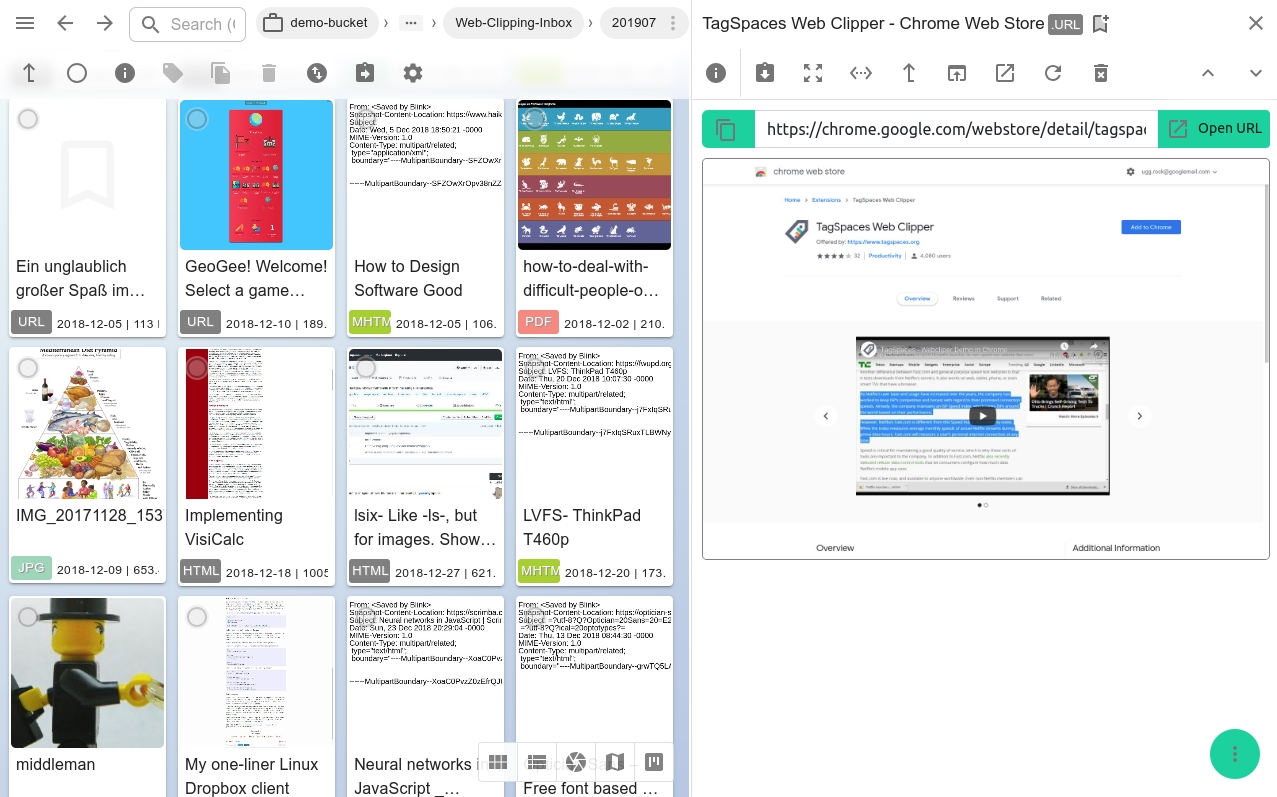
Bookmark Manager
Save, tag, and categorize web content and bookmarks using the browser web clipper extension. Each bookmark and clipped web page is a local file you own — searchable, portable, and independent of any cloud service.
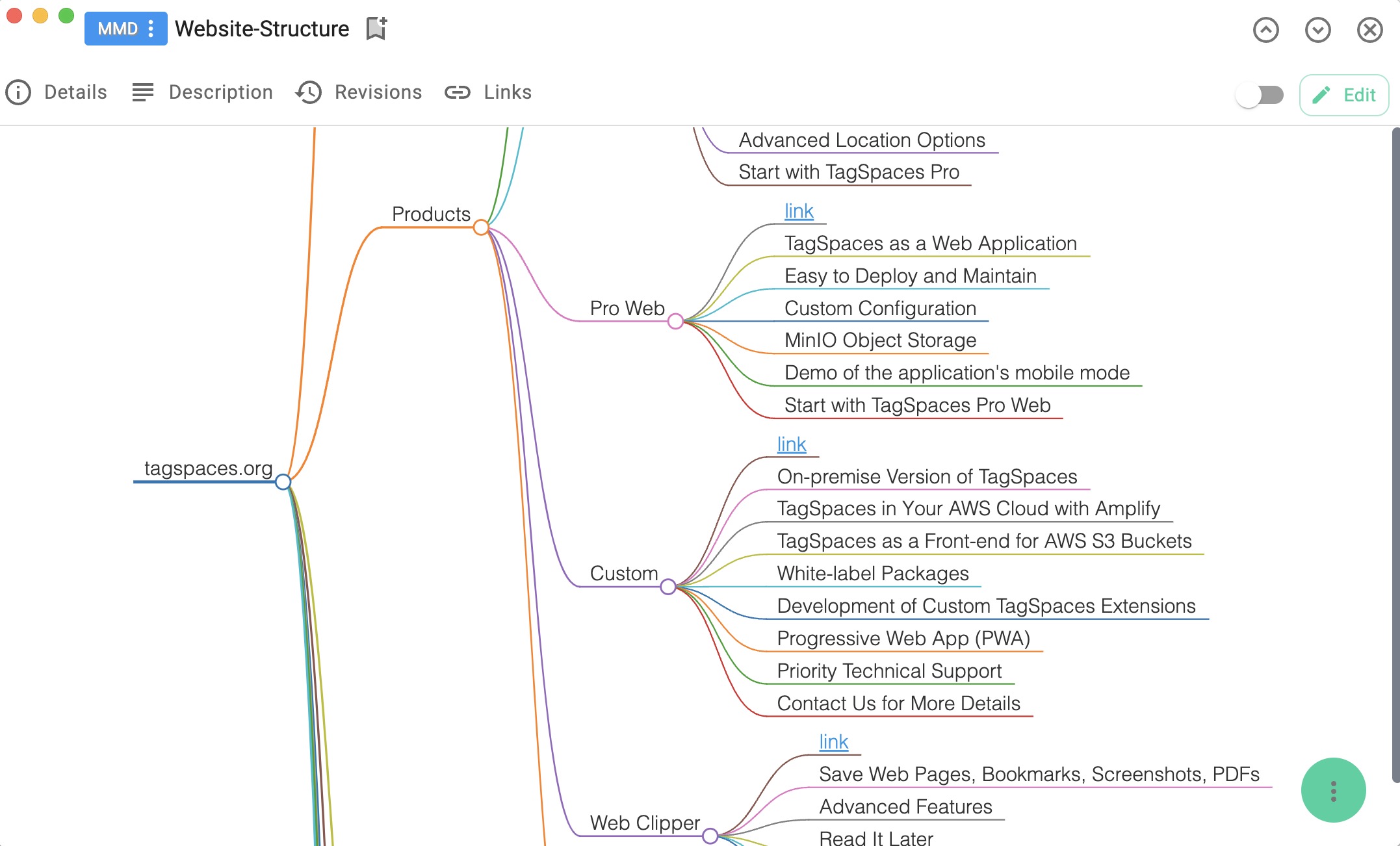
Mindmap Creator
Turn any Markdown file into an interactive mindmap with the built-in viewer. Files with the .mmd extension open directly as mindmaps, while the text editor lets you refine the content.
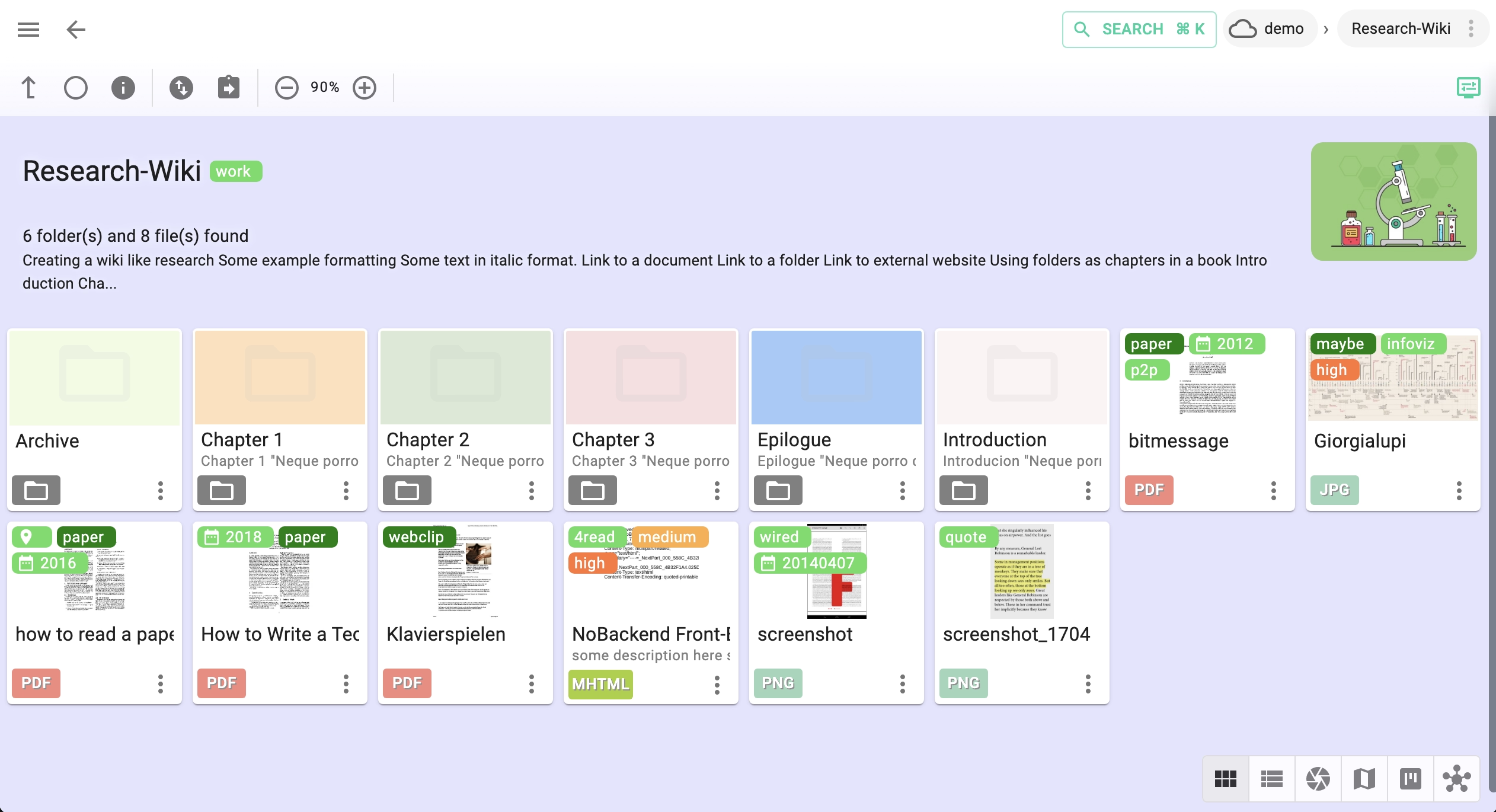
Personal Research Wiki
Build an interconnected knowledge base by linking files and folders. Each folder can auto-open an index.html or README.md, turning your file tree into a navigable, self-hosted wiki.
Trip Planner & Travel Journal
Plan itineraries or document past trips by geo-tagging notes, photos, and documents for each destination. The Mapique perspective plots all locations on an interactive map.
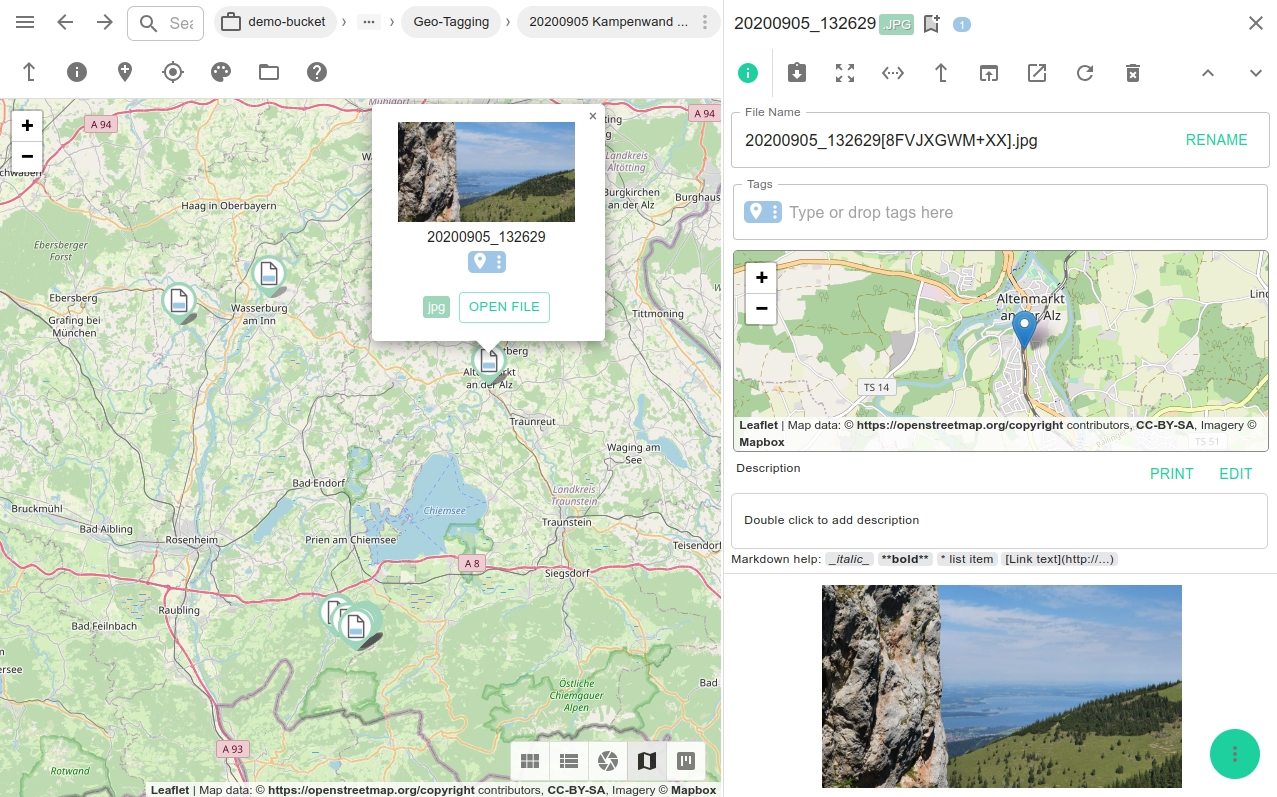
Photo Gallery & Organizer
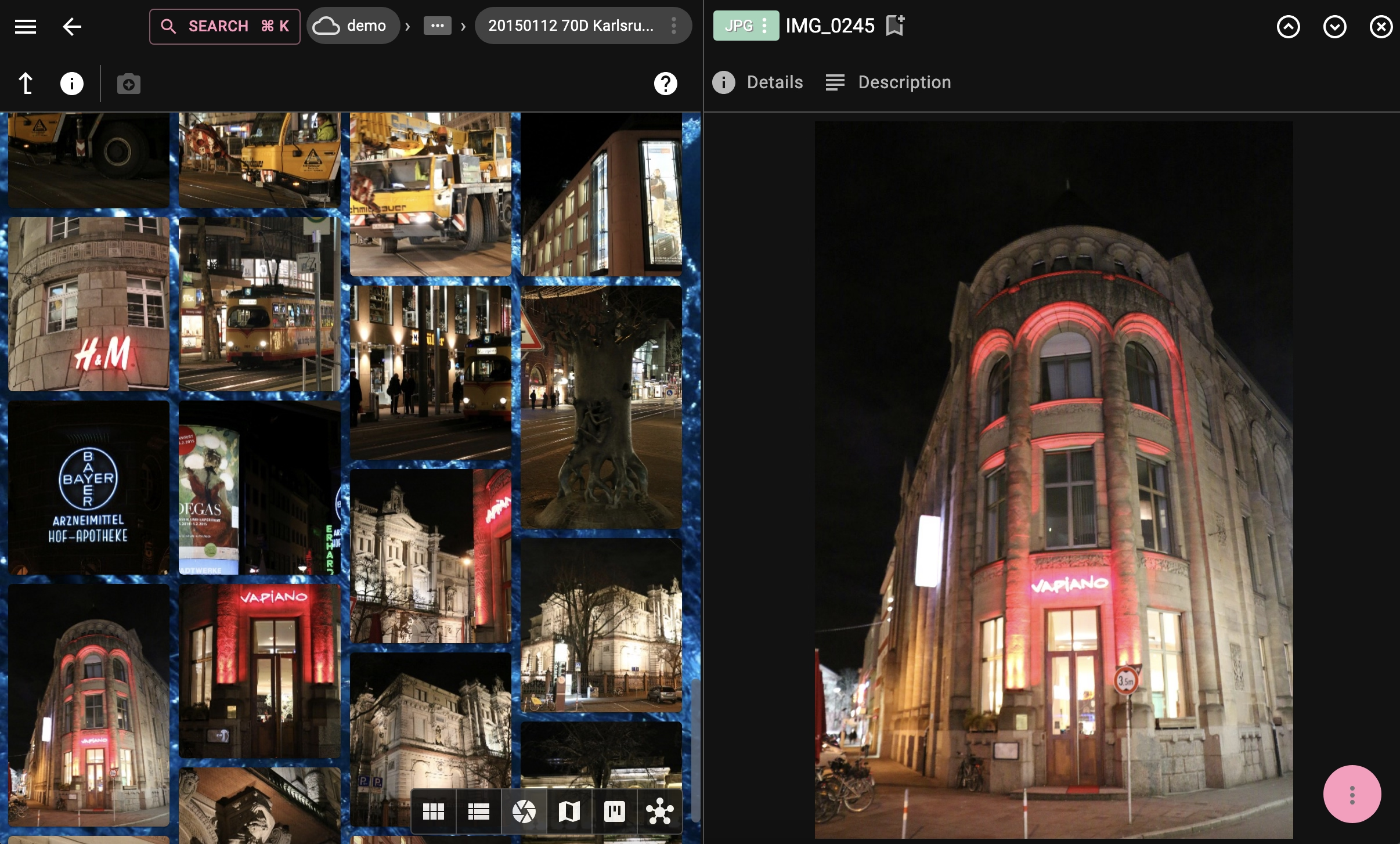
View, tag, and arrange photos in gallery, grid, or list layouts. Supports JPEG, PNG, AVIF, WebP, and many more formats with built-in previews — no cloud upload required.
3D Model Viewer & Manager
Preview, rotate, and inspect GLB, GLTF, and other 3D file formats directly in TagSpaces. Tag and organize your 3D asset library for quick retrieval across projects.

eBook Library
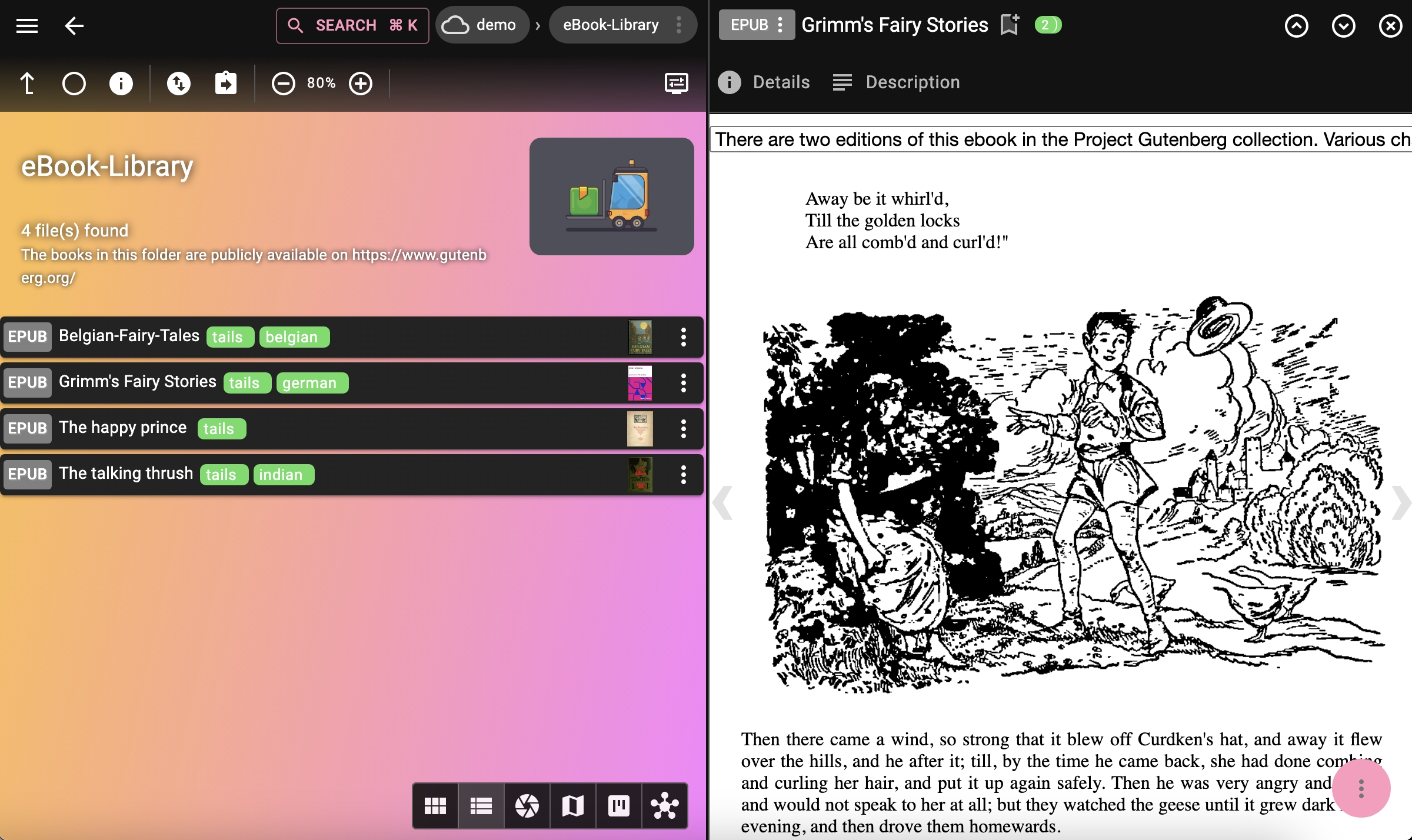
Catalog your ePub and PDF collection with tags for genre, author, or reading status. Read books with the built-in viewers and never lose track of your library again.
Audio & Video Player
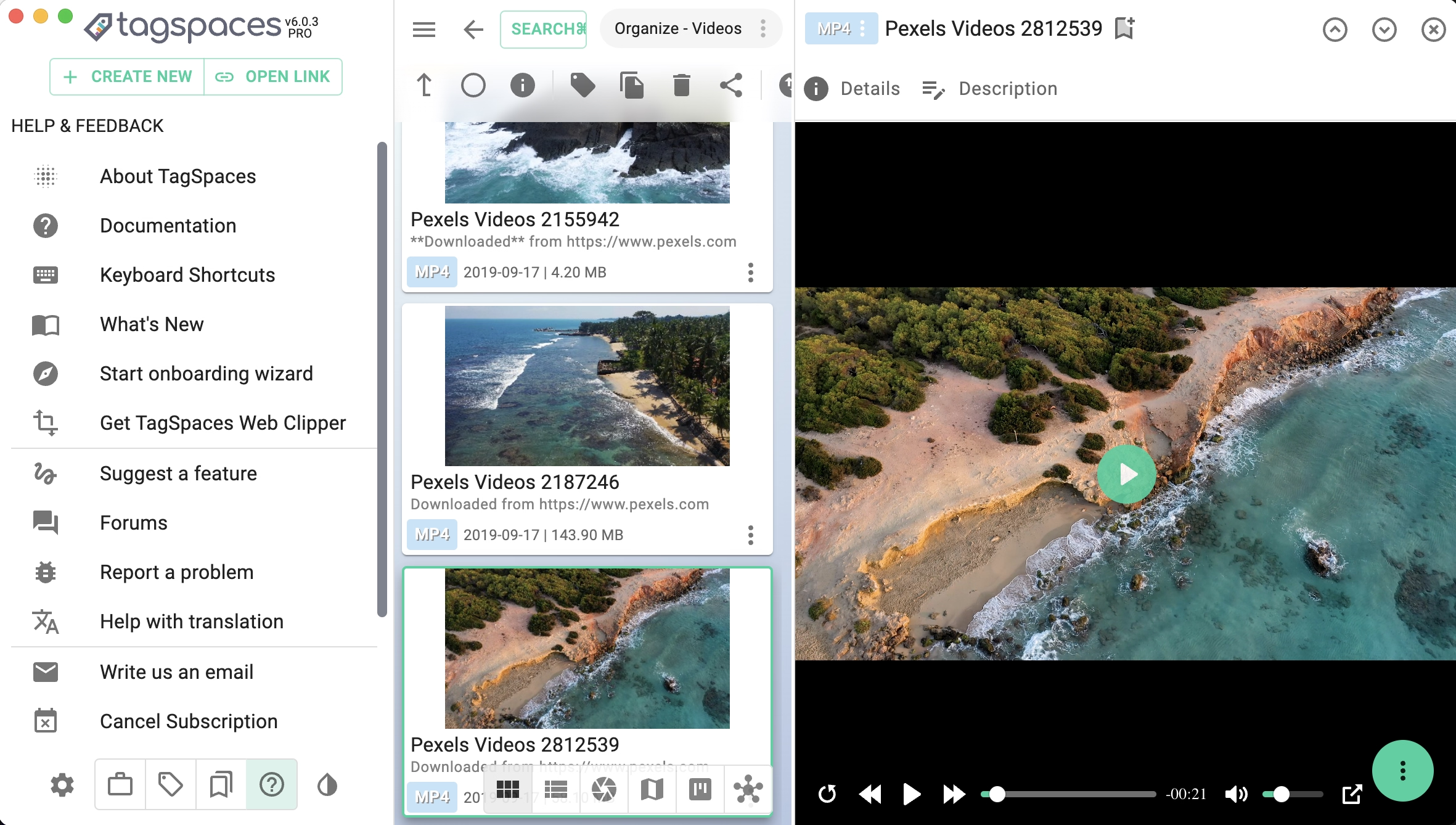
Play and organize local audio and video files, or stream them from S3-compatible storage like AWS S3, Wasabi, or Garage. Tag media by genre, project, or mood for fast filtering.
Read-It-Later & Offline Archive
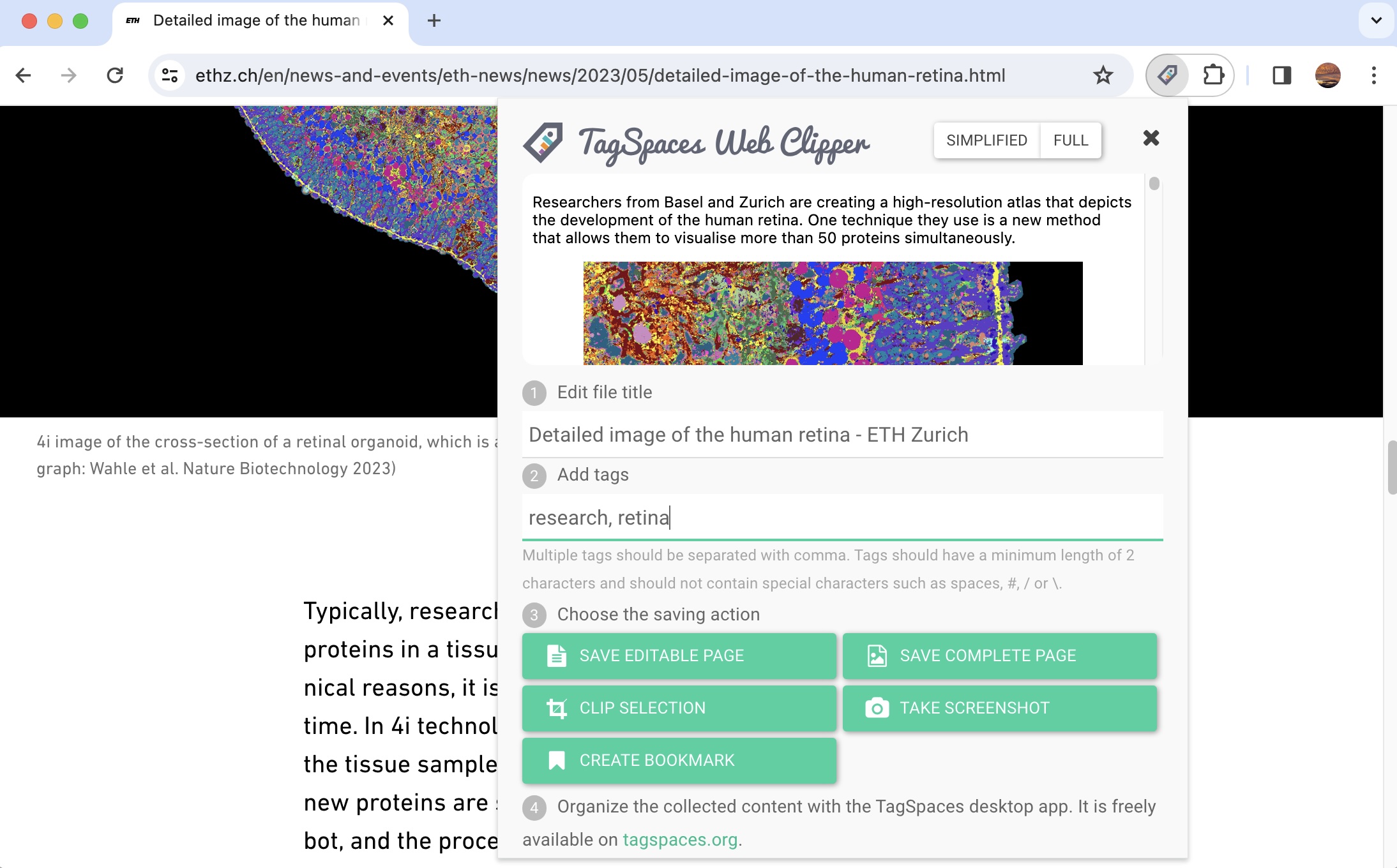
Clip web pages for offline reading as HTML, MHTML, PNG, or bookmark files. Your saved articles are plain local files — portable, searchable, and usable with or without TagSpaces.
Font Manager
Browse and preview your local font collection with the built-in font viewer. Tag fonts by style, project, or license to find the right typeface in seconds.
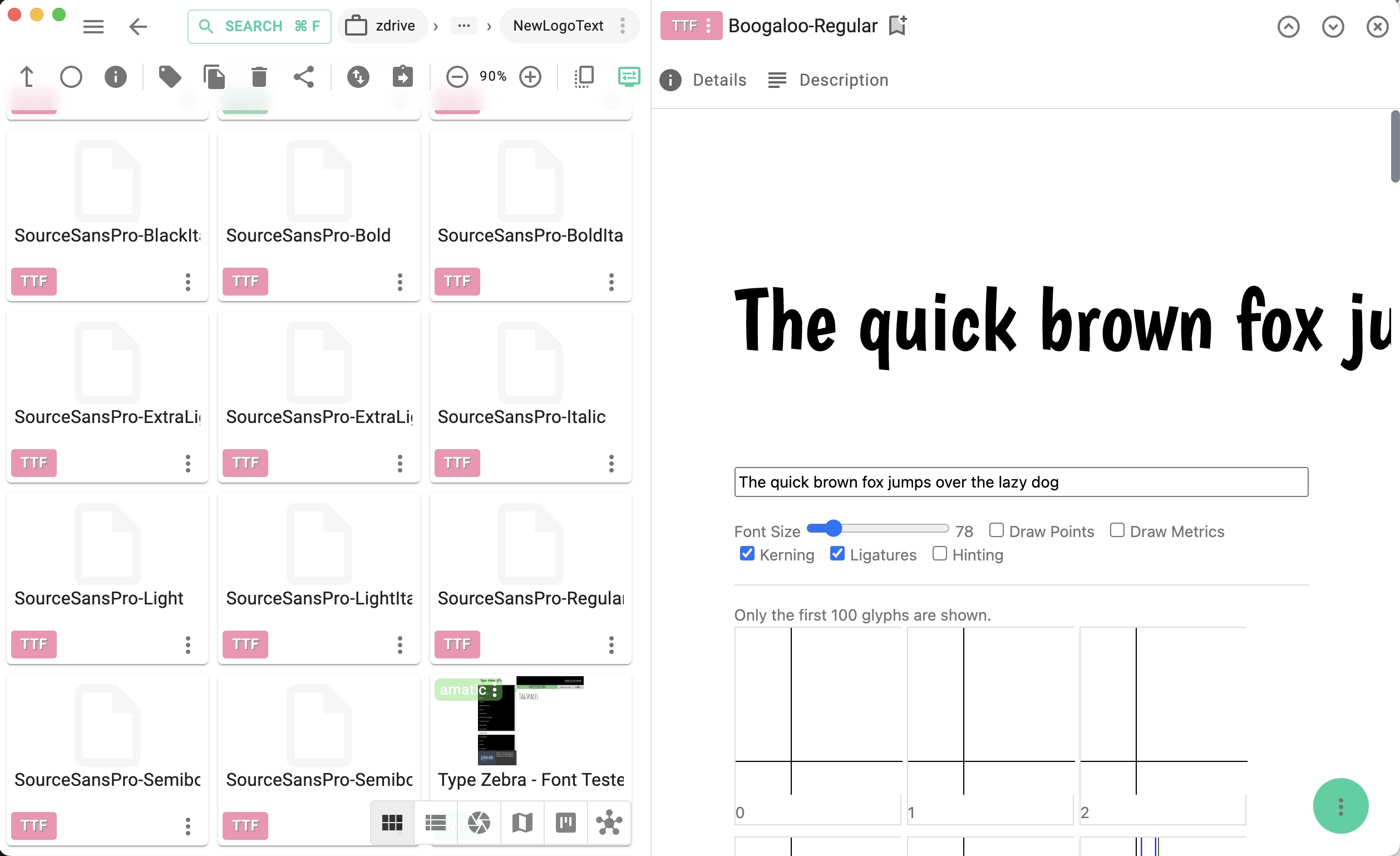
Personal Kanban Boards
Visualize your personal workflow with drag-and-drop Kanban boards. Track habits, household chores, learning goals, or any multi-step process — all stored as local files.
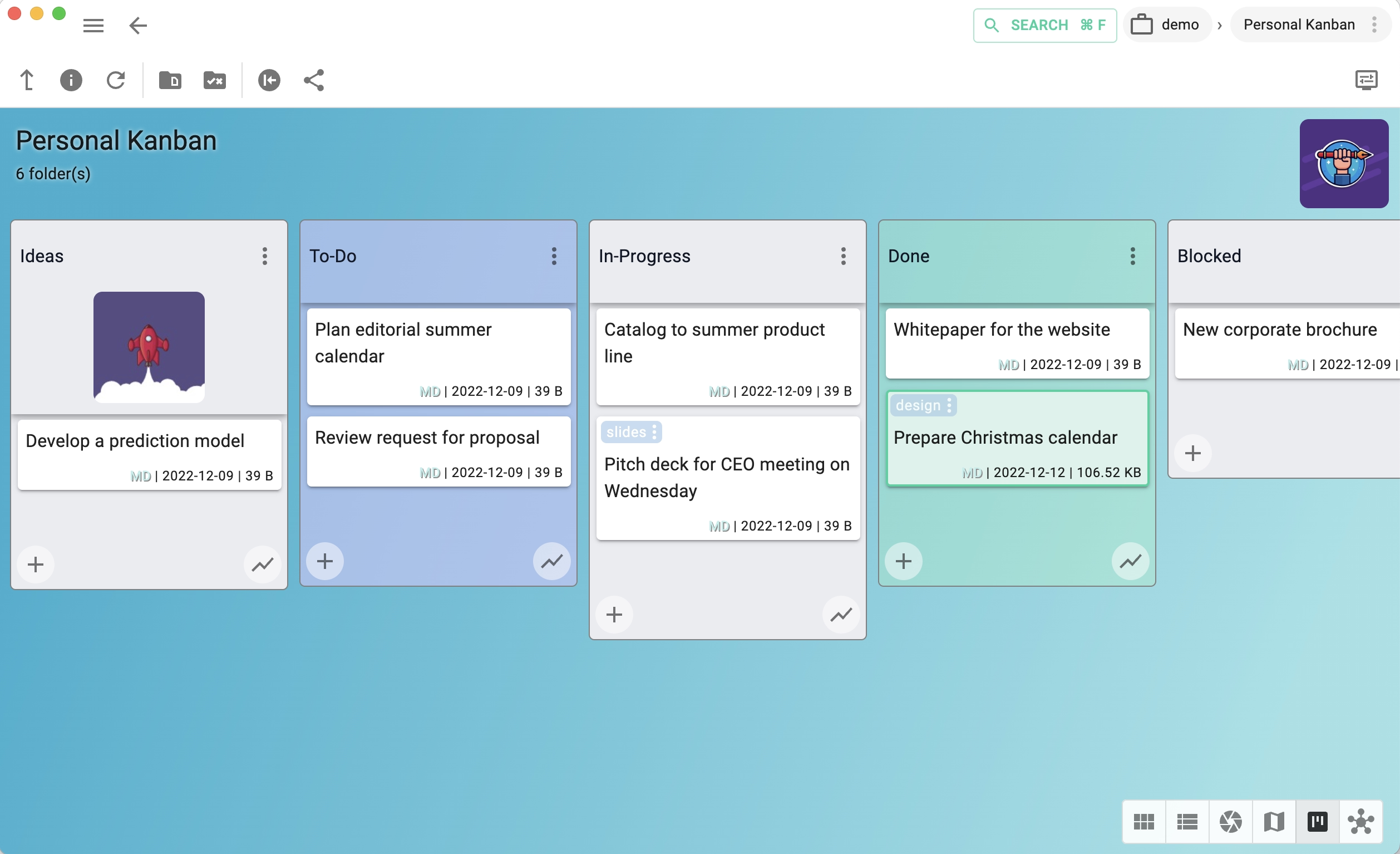
Contacts & Places Manager
Keep a geo-tagged directory of contacts, restaurants, shops, or any favorite places. View them on a map with the Mapique perspective or filter by tags to find what you need.
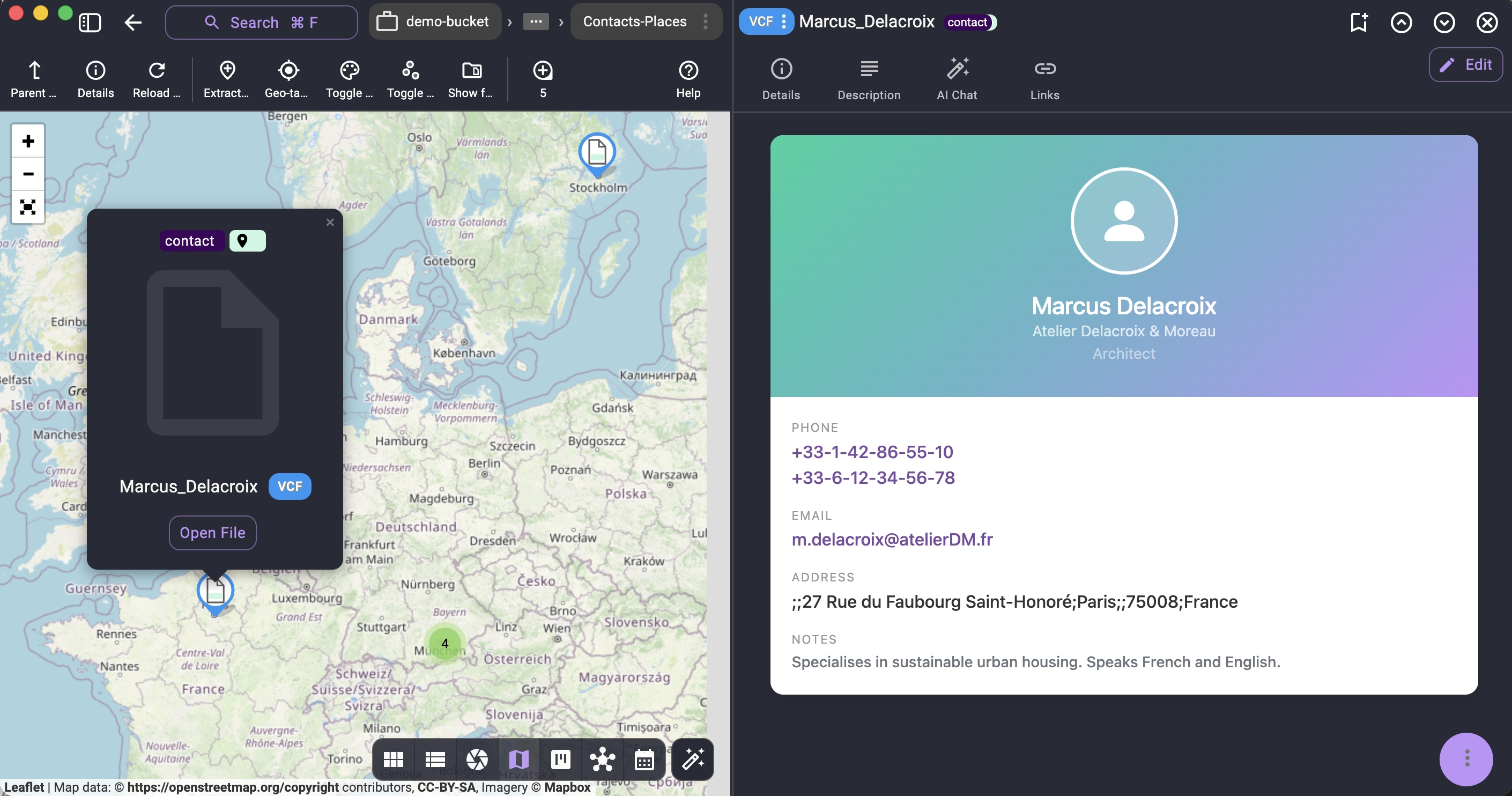
Email Archive & Organizer
Save important emails as .msg or .eml files and organize them with tags for clients, projects, or topics. Preview messages with the built-in viewer — no email client needed.
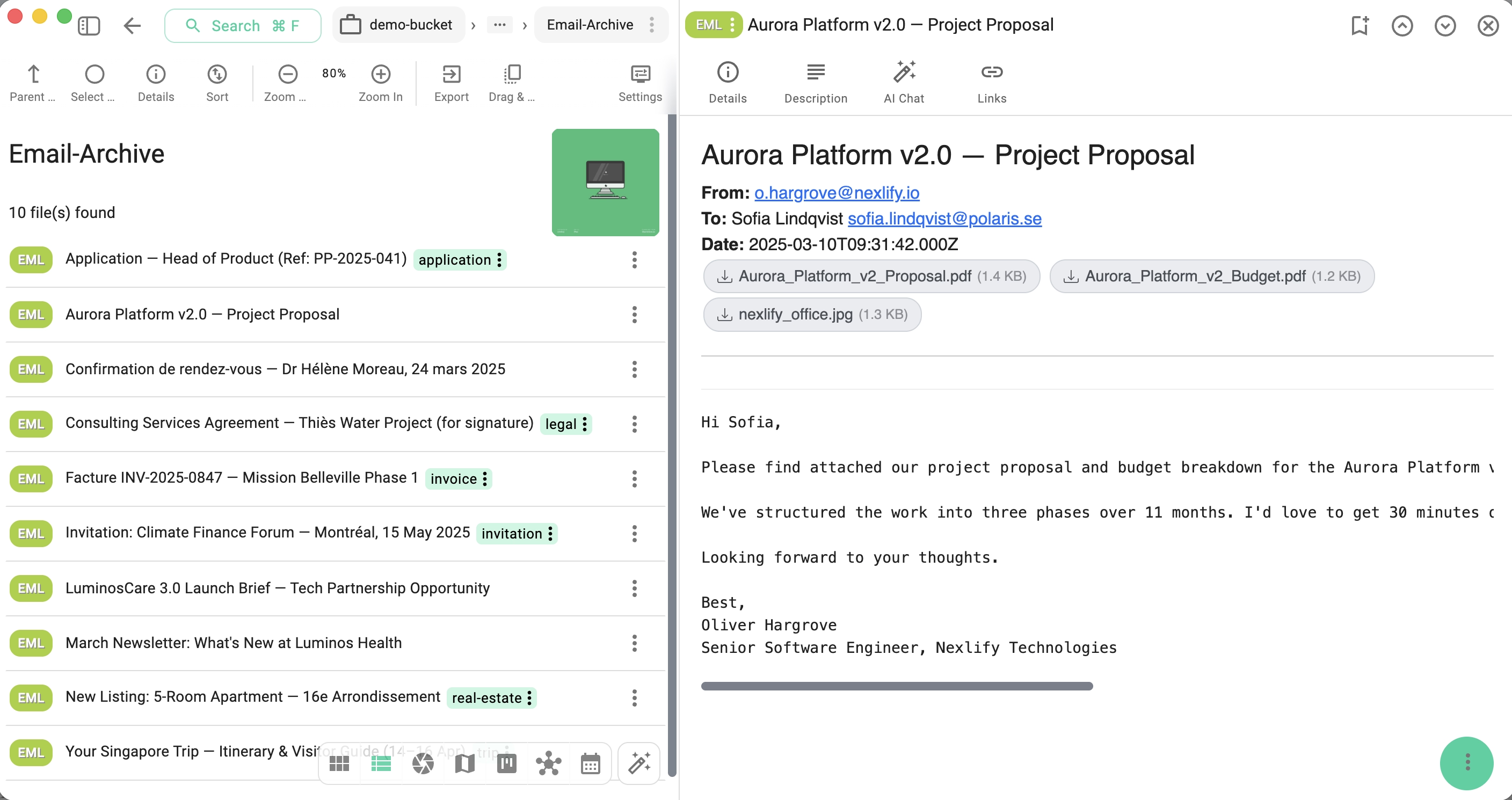
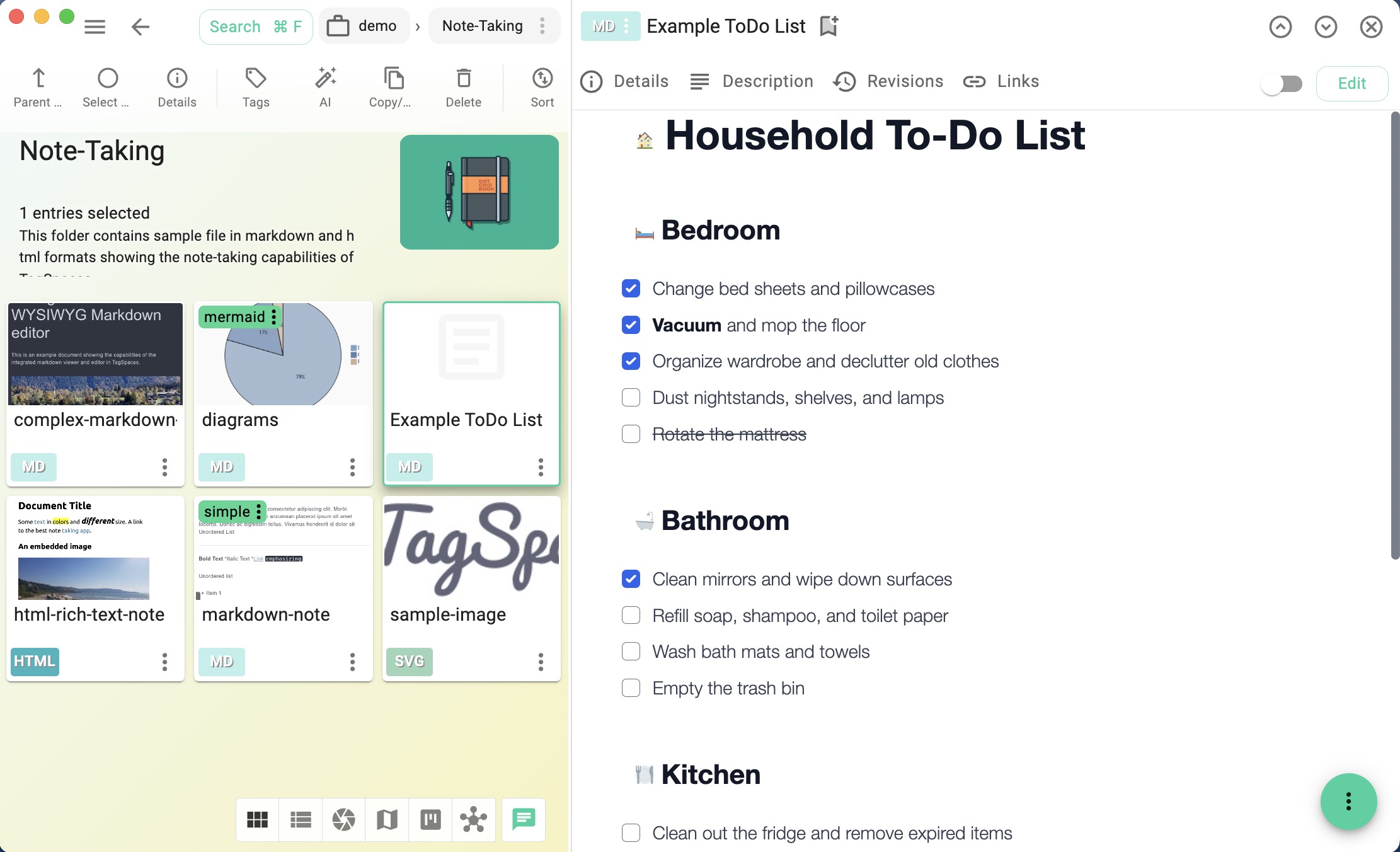
Task & To-Do Manager
Create Markdown checklists for household, renovation, tax, or any recurring tasks — one file per context, right in the relevant folder. Check items off as you go.
Your File-Based App
Send us screenshots and a short description of how you use TagSpaces, and we might feature it here.

Foundations of the file-based apps
*️⃣ File-based apps offer a privacy-focused, flexible, and efficient alternative to cloud-based services or centralized database apps, ideal for users who prioritize local control and offline accessibility. Here are their key properties:
Privacy and Control
- Full Ownership of Data: In a file-based app, users store data locally, which gives them complete control over where and how their files are stored. There's no need to trust third-party cloud providers with sensitive information.
- No Data Harvesting: Since the app operates locally, there's no risk of third-party tracking or data being harvested by cloud providers.
Offline Functionality
- Access Without Internet: File-based apps typically function fully offline, allowing users to work in environments with limited or no internet connectivity.
- Resilience to Outages: Files are stored locally, so the app remains accessible even if the cloud or remote servers go down.
Portability
- Easy to Move Data: Files can be easily copied, backed up, or moved between devices. Users can take their data on external drives or cloud sync services without relying on any specific platform or app ecosystem.
- Cross-Platform Compatibility: Files managed by a file-based app can be accessed across operating systems or devices, making it easier to switch platforms or manage files in different environments.
No Vendor Lock-In
- Open Formats and Flexibility: File-based apps often use standard, open file formats (e.g., text files, images, PDFs) that can be opened and edited with other software. This minimizes the risk of being locked into a specific app or service.
- Self-Hosting Options: Users can self-host their files or share them through their preferred storage solution, avoiding dependency on a particular vendor.
Security
- Local Storage Security: Users can apply their own encryption methods or use native encryption features on their device to secure their data without relying on cloud encryption methods.
- Reduced Attack Surface: Since the app is often offline and doesn't require communication with external servers, there's less exposure to hacking, breaches, or data leaks.
Speed and Efficiency
- Local Performance: File-based apps read and write data directly from the local system, often resulting in faster performance compared to web-based apps or cloud services, which depend on network speed and latency.
- No Sync Issues: Users don't have to deal with delays or conflicts that sometimes occur in cloud-syncing apps.
Customization and Flexibility
- Custom File Organization: Users have the freedom to organize their files in the way they prefer, using folders, tags, or custom file naming systems without being constrained by a specific app's structure.
- Integration with Existing Tools: Users can integrate file-based apps with their existing file management tools, backup solutions, or cloud sync services (e.g., Dropbox, Google Drive) if they choose to.
Transparency and Auditing
- Direct Access to Files: Users can directly view, inspect, and modify the files created by the app without needing specialized software or access to a database. This transparency is useful for auditing or making manual changes.
- Easy Backups: Users can easily create backups by copying their files to external drives, cloud services, or other devices without needing a specialized backup system.
Resilience to Company Shutdowns
- No Dependency on Provider's Longevity: If we as TagSpaces developers go out of business or stops maintaining the app, users retain access to their files and can continue managing them with other software.