Live Demo
The demo below runs TagSpaces Pro Web directly in your browser — no installation, no account, no data stored. It is read-only, so nothing you do is saved. To get started, try one of these:
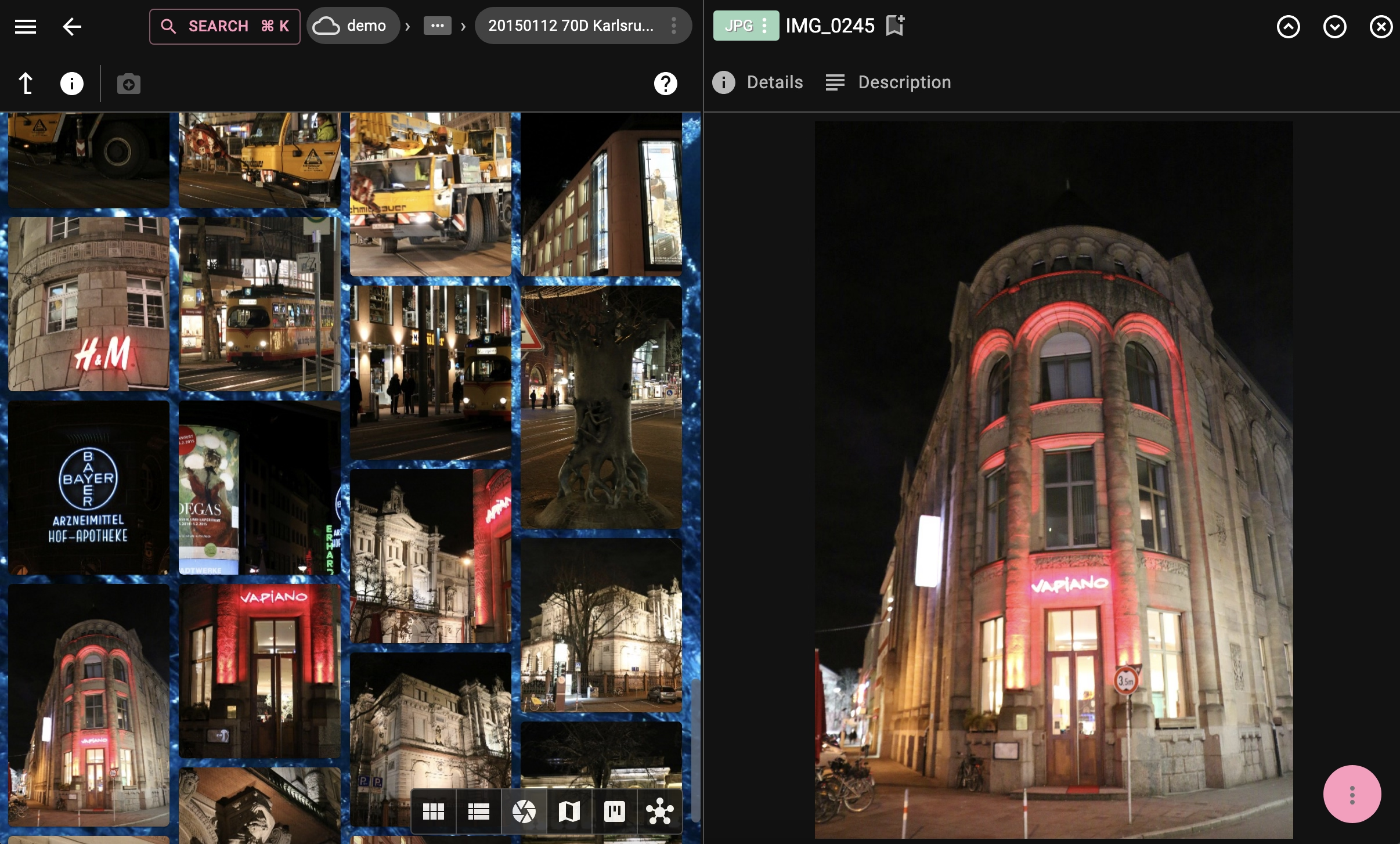
- Open the Photo Gallery location and switch between grid, list, and gallery views using the perspective selector in the toolbar
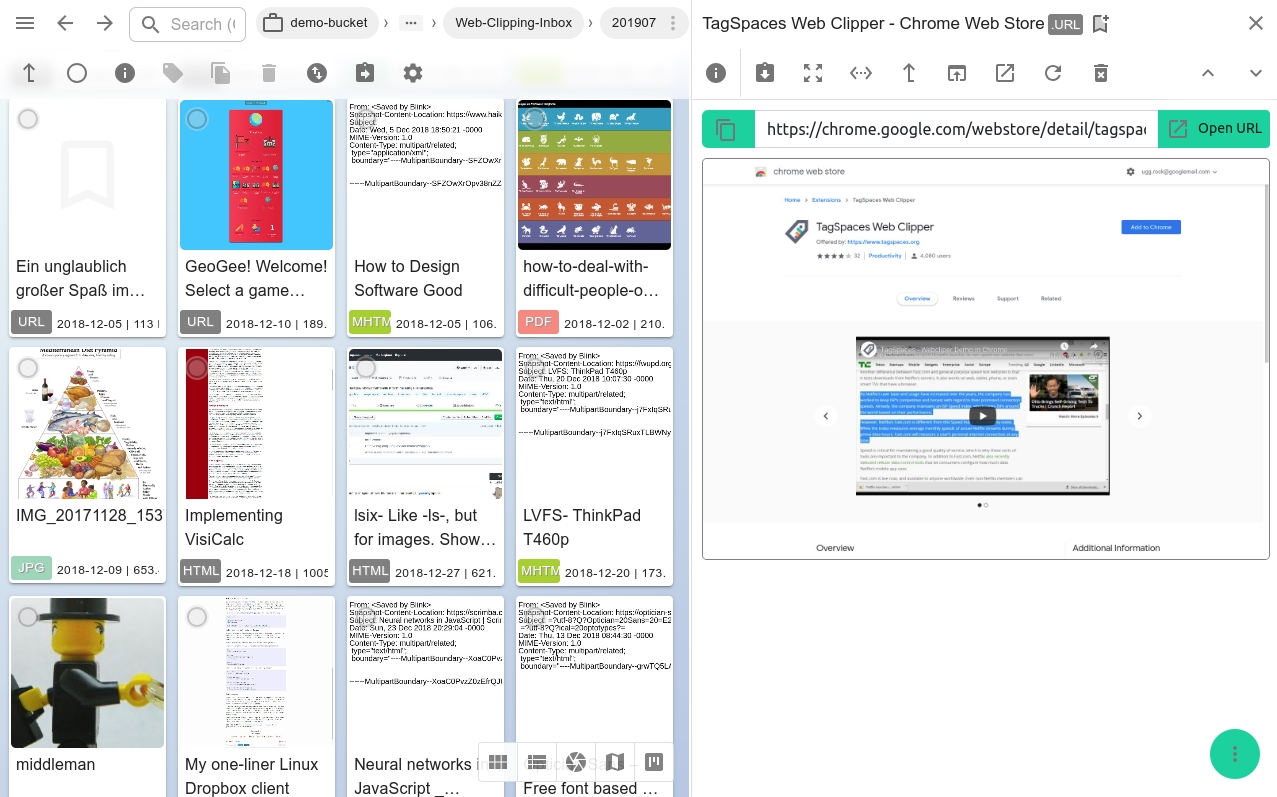
- Open any file to preview it — PDFs, images, Markdown notes, and more open without leaving the app
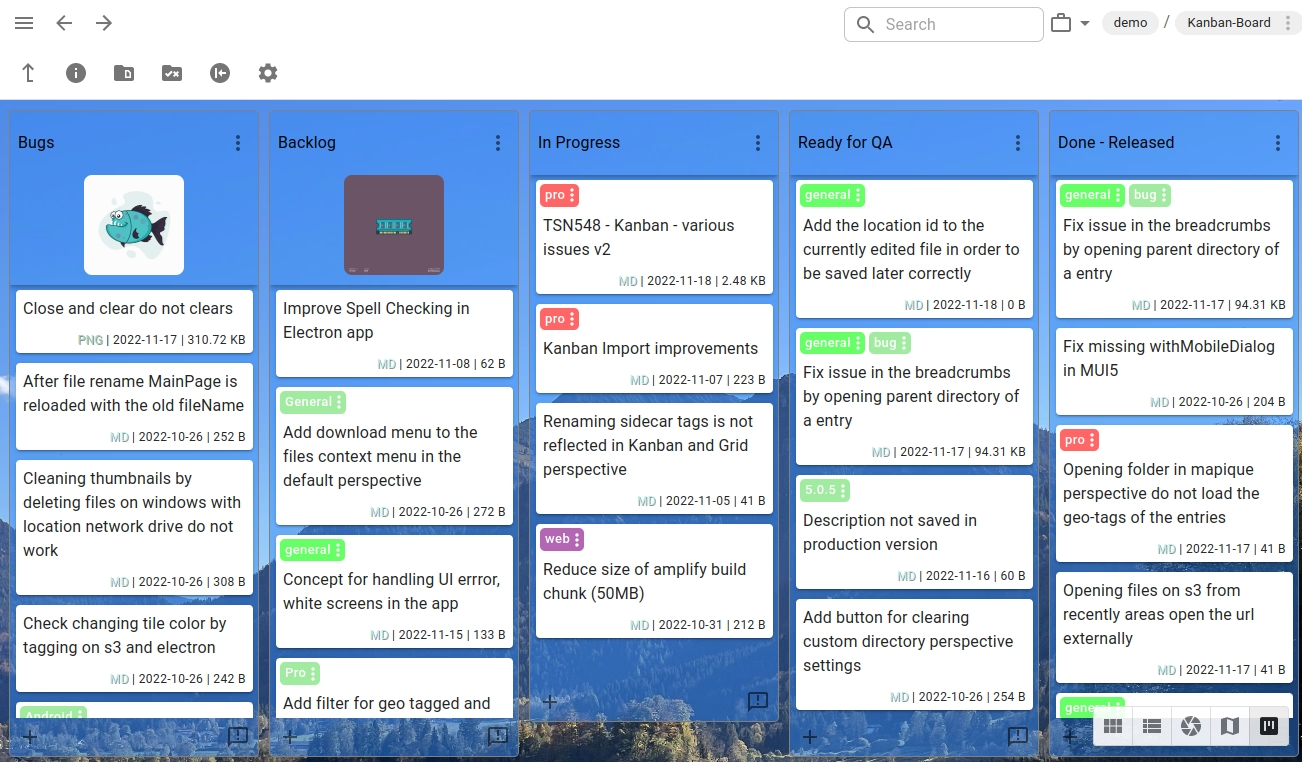
- Click the Kanban Board location to try drag-and-drop task management built on plain folders
- Use the search bar to filter files by name, tag, or content across all locations
For the full experience — including file editing, tagging, and local storage — download TagSpaces Lite for free →
Click to load the demo application.
Use-case specific demos
Each demo below opens TagSpaces pre-loaded with a specific workflow. Click a card to explore it.

Try TagSpaces in your language
Show all 28 supported languages
Clicking on a language will open the TagSpaces Demo in that language in a new browser tab.
If you are missing a language or can improve an existing translation, visit our translation section.