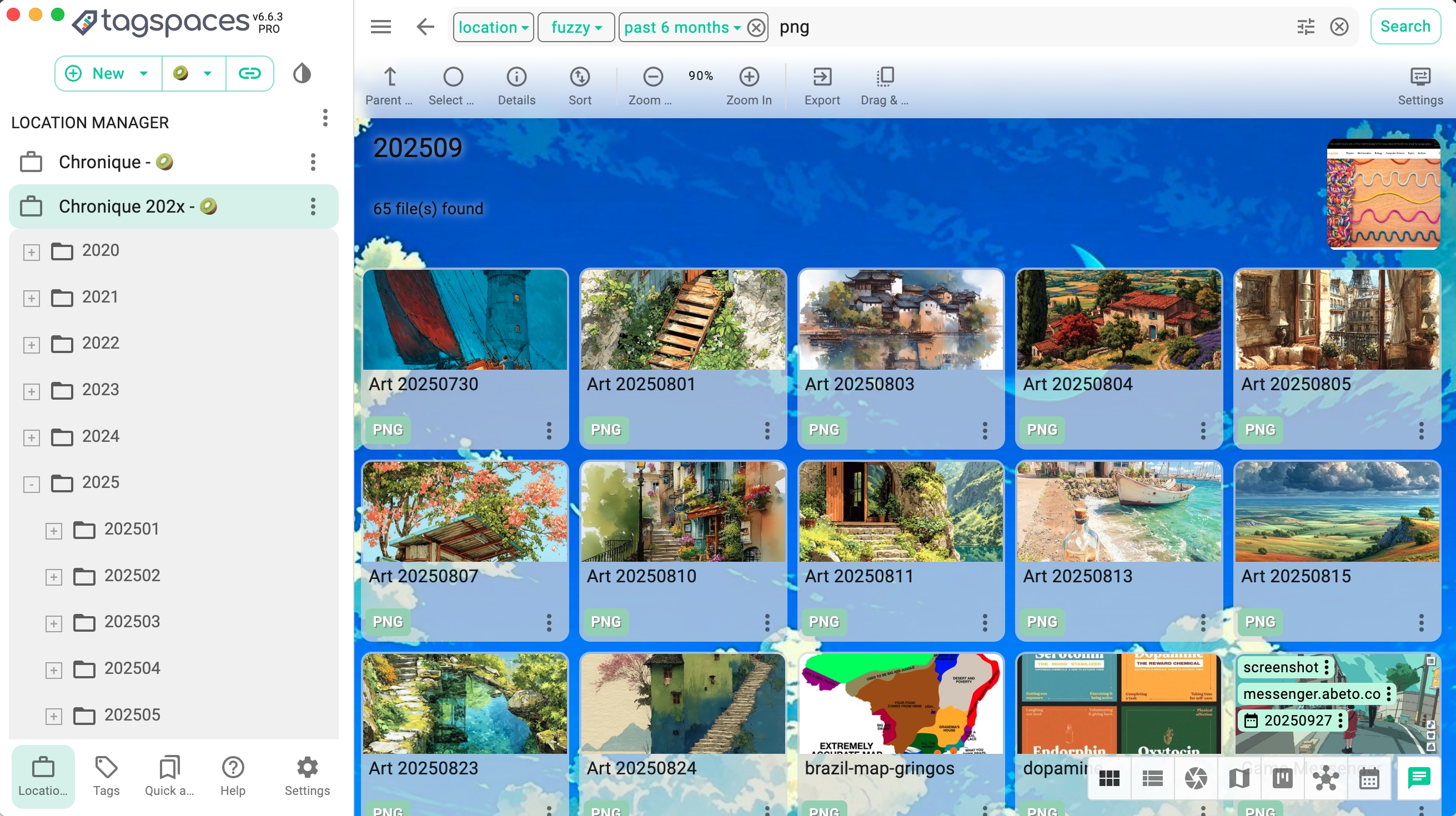
Using TagSpaces as a PKM Tool for AI Context Management

· 7 min read
Ilian Sapundshiev
TagSpaces Core Team

Your AI Assistant Generates Files. Here Is How to Manage Them.

AI coding assistants like Claude Code, Cursor, and Windsurf are no longer just autocomplete. They are agents that read your codebase, remember decisions across sessions, and leave behind a growing trail of context files — memory files, conversation plans, project notes, settings.

These files are plain text sitting on your disk. They encode critical decisions, architectural trade-offs, and feedback you gave the AI. But most developers never look at them, let alone organize them.

TagSpaces can change that. In this post, we will walk through how to use TagSpaces to browse, tag, and search your AI context files — and how to go further by building a linked digital brain from interconnected Markdown files.
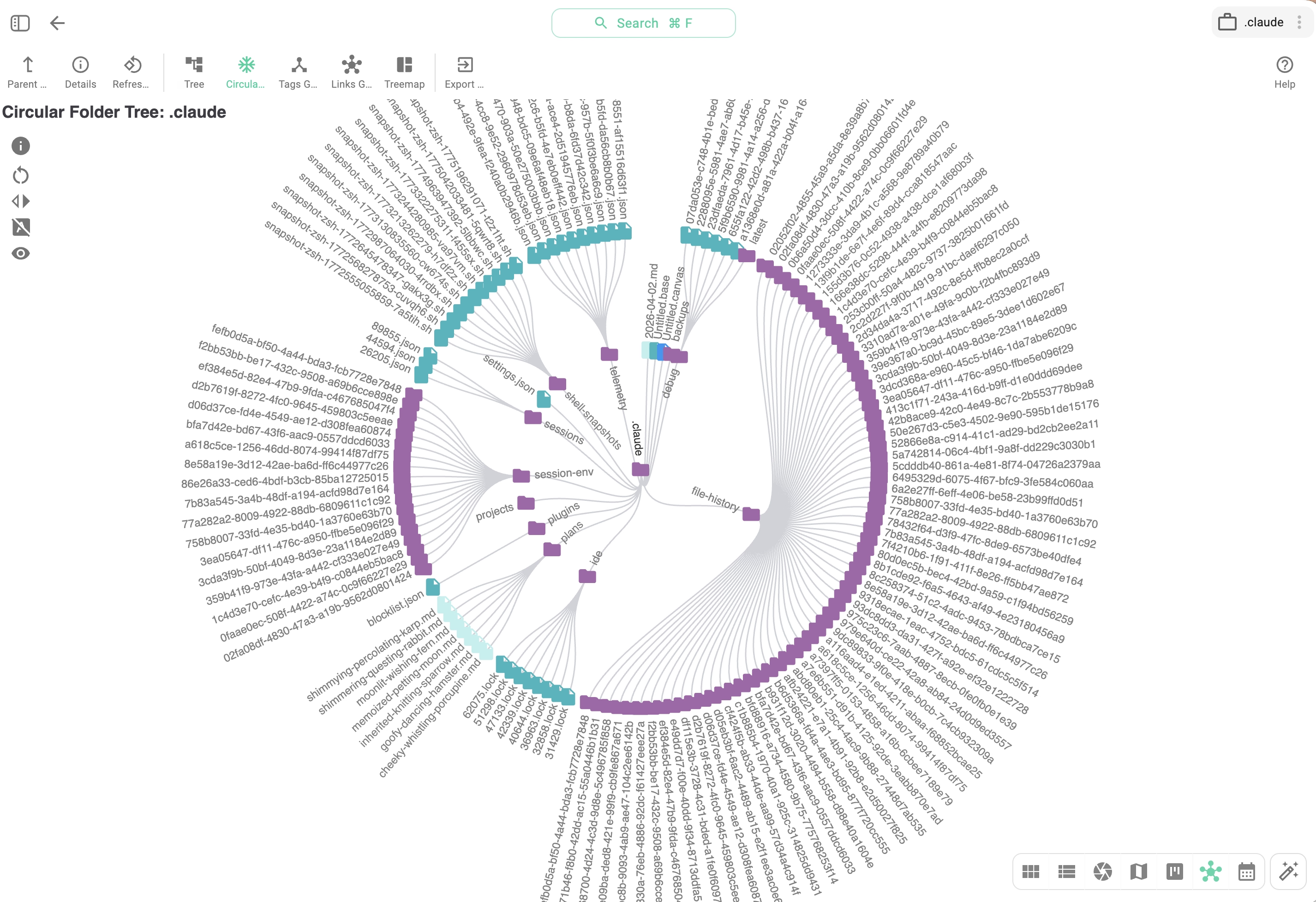
A regular '.claude' directory — showing memory files, plans, and settings generated by Claude Code visualized in TagSpaces

Introducing tscmd — The TagSpaces Command Line Tool

· 4 min read
Ilian Sapundshiev
TagSpaces Core Team

Tag, Describe, Index — All From Your Terminal

TagSpaces Desktop and Web are great for visual file organization. But when you need to tag 500 invoices, generate thumbnails for a NAS folder on a schedule, or let an AI agent sort your downloads — a GUI gets in the way.

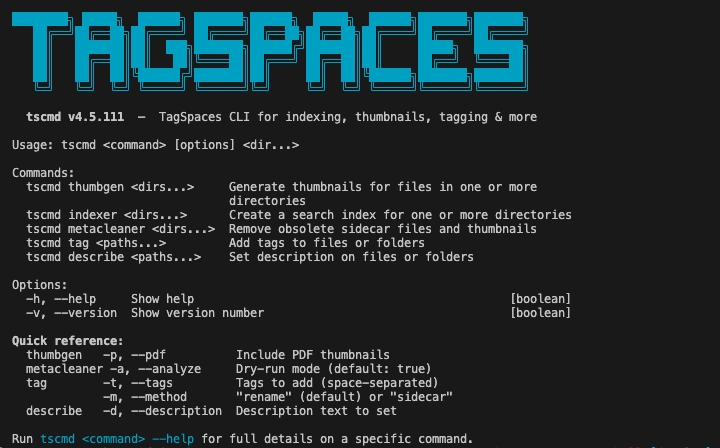
Meet tscmd: a fully rewritten command-line tool that brings TagSpaces' core capabilities to the terminal. Five commands, non-interactive, idempotent, composable with standard Unix tools.

tscmd running in a terminal — tagging, describing, and indexing files

Changes in TagSpaces 6.10

· 6 min read
Ilian Sapundshiev
TagSpaces Core Team

TagSpaces 6.10: Better Workflows, More Languages, and Fewer Rough Edges

The 6.10 release cycle focuses on making everyday workflows smoother. It brings improvements to the Pro perspectives, makes Markdown documents more interconnected, adds new translations, and addresses a long list of smaller issues reported by the community. Here is a walkthrough of what is new.

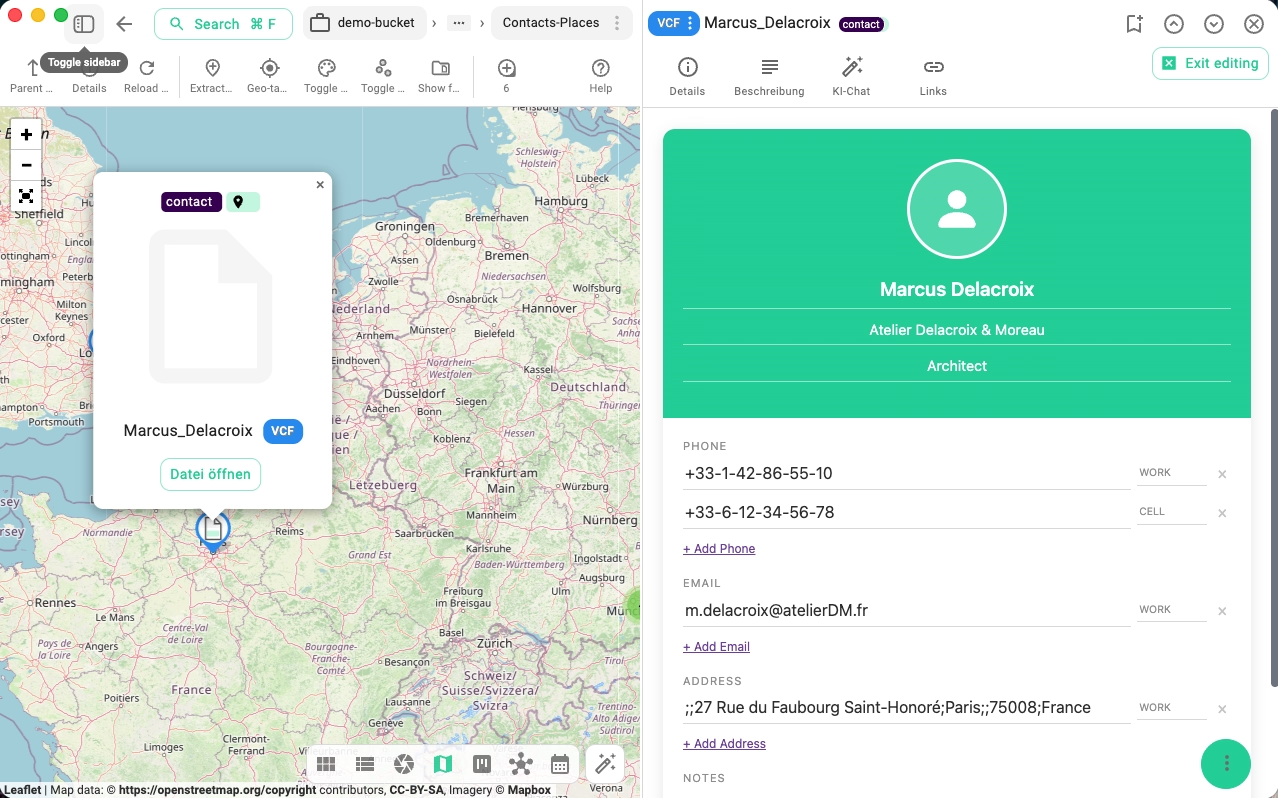
Editing a contact in the new contact editor

TagSpaces vs. Evernote, Notion, Joplin, and Obsidian: Which Note-Taking and File Management Tool Is Right for You?

· 8 min read
Ilian Sapundshiev
TagSpaces Core Team
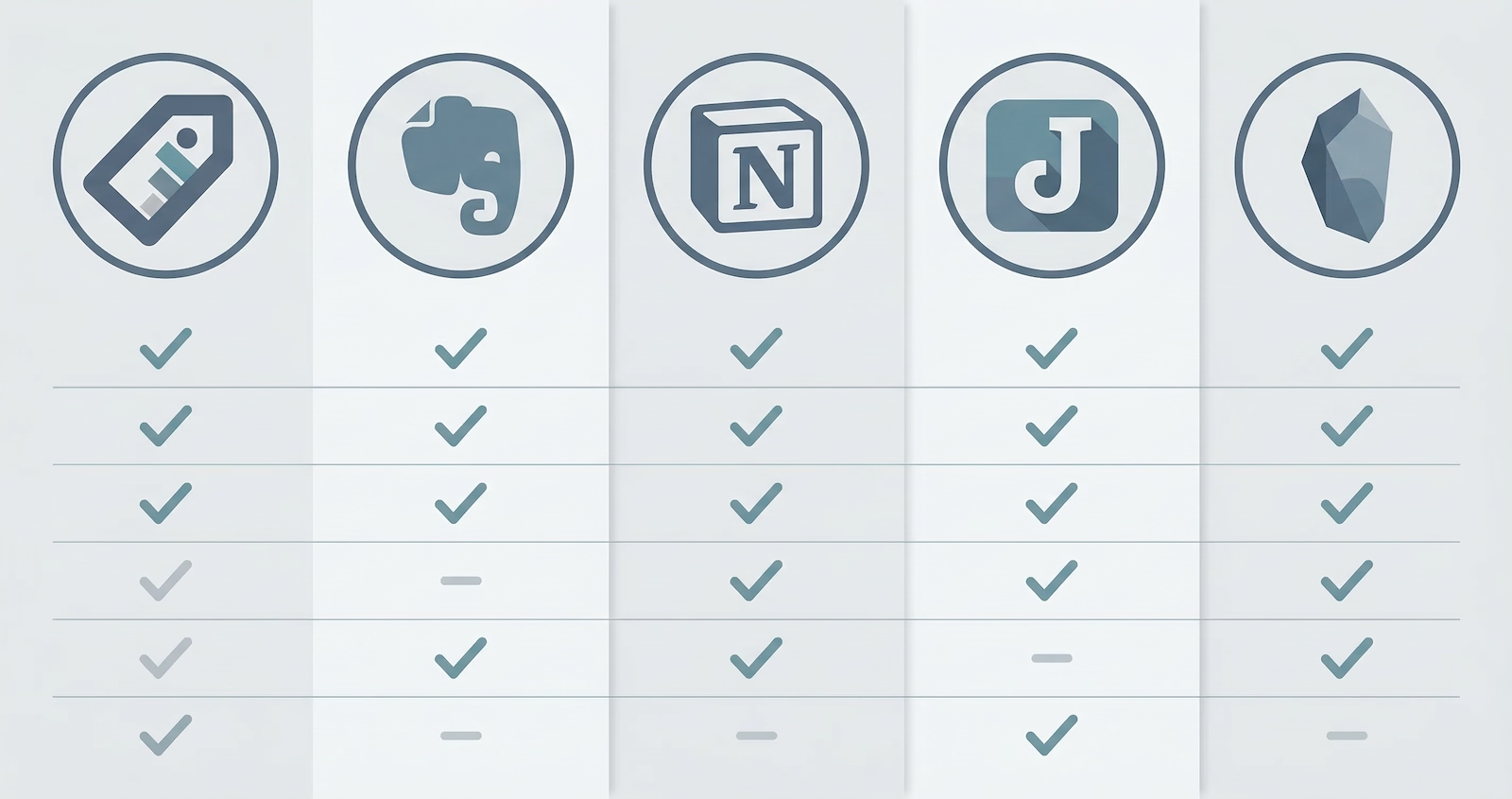
TagSpaces vs. Evernote, Notion, Joplin, and Obsidian comparison

The personal knowledge management space is crowded. Whether you're organizing research, managing projects, or simply trying to keep your digital life under control, the tool you pick shapes your entire workflow.

In this article we compare five popular options — TagSpaces, Evernote, Notion, Joplin, and Obsidian — across the dimensions that matter most: privacy, pricing, data ownership, collaboration, and extensibility. Our goal is to give you an honest, balanced overview, not a sales pitch.

Changes in TagSpaces 6.8 and 6.9

· 5 min read
Ilian Sapundshiev
TagSpaces Core Team

TagSpaces 6.9 & 6.8: Smarter AI, Faster Viewers, and a Fresh Start to 2026

We are off to a running start in 2026! Over the last three months, the team has been working hard to refine the core TagSpaces experience. With the releases of Version 6.9 (February) and Version 6.8 (December), we are introducing a powerful new way to manage AI interactions, a massive overhaul of our file viewers, and significant usability improvements for our Pro users.

Here is a deep dive into what is new and how it helps your workflow.

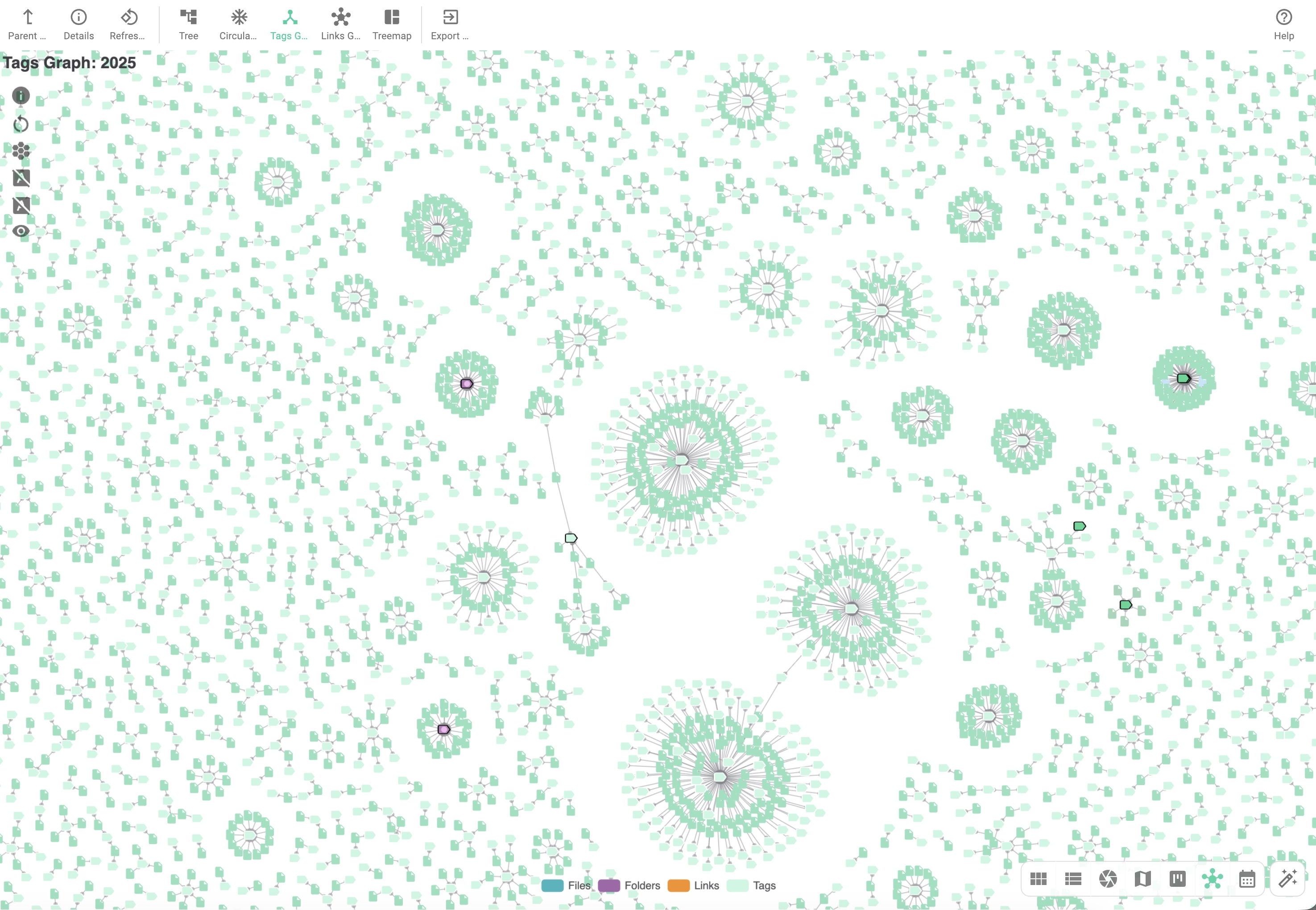
FolderViz perspective showing clusters of files connected to a certain tag.

TagSpaces 6.7 - New themes and perspective

· 4 min read
Ilian Sapundshiev
TagSpaces Core Team

A Fresh Look, Calendar View, and Major Performance Boosts

We are excited to announce the release of TagSpaces 6.7! This update is packed with visual enhancements, deep system integration features, and significant improvements to our AI capabilities. Whether you are using the free Lite version or the Pro edition, version 6.7 offers a faster, smoother, and more customizable experience.

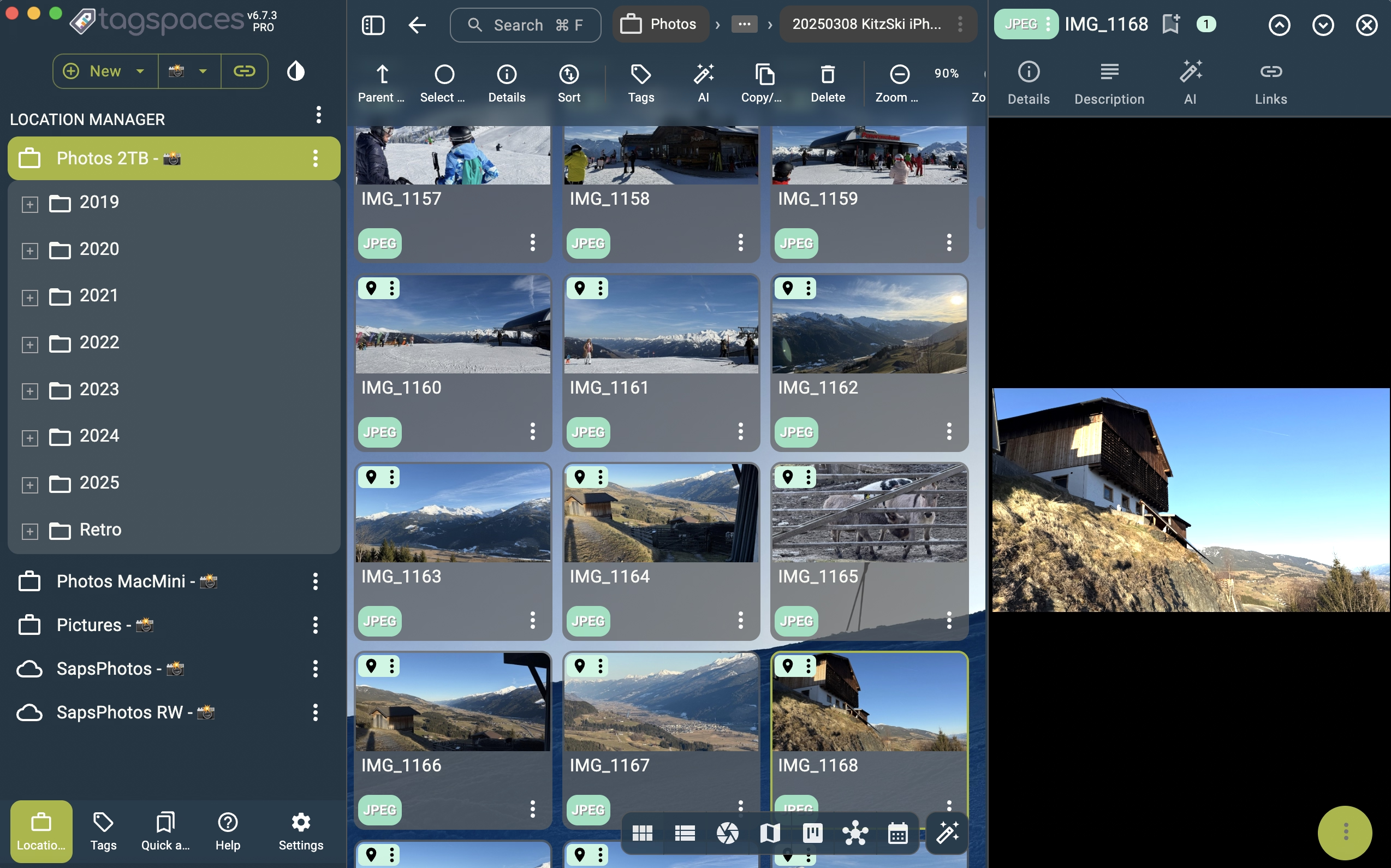
Screenshot of version 6.7

TagSpaces 6.6 - Workspaces and File templates

· 4 min read
Ilian Sapundshiev
TagSpaces Core Team

Introducing the Latest TagSpaces Release: Smarter, Faster, and More Organized

We’re thrilled to announce a brand new version of TagSpaces, a tool for working with your files without cloud lock-in. This release brings powerful new features, smarter ways to work, and plenty of fixes and improvements to make your experience smoother than ever.

Screenshot of version 6.6

What's new in TagSpaces v6.0

· 6 min read
Ilian Sapundshiev
TagSpaces Core Team

We’re excited to announce the release of TagSpaces 6.0, packed with powerful new features and enhancements designed to make your file management smoother and more efficient than ever. Whether you’re a casual user or a TagSpaces Pro, this update delivers innovative tools and improvements that enhance both usability and flexibility across the board. This blog post will cover features introduced in our latest two versions: 5.9 and 6.0. Let’s dive into what’s new!